Best 220V Remote Control Switch for Dust Collectors:PTA12 vs PTA022
Every minute spent walking back and forth to turn your dust collector on and off is time you could spend woodworking. Whether you're running a table saw, router table, or planer, a 220V remote control switch makes it easier to manage dust collection without interrupting your workflow.
But which dust collector remote switch is right for your shop? Do you need simple wireless on/off control, or would multiple control channels make more sense as your setup grows?
The O'SKOOL PTA12 is a practical choice for straightforward 220V dust collector control, while the O'SKOOL PTA022 offers three selectable channels for greater flexibility across multiple work areas.
In this guide, we'll break down the key differences, electrical compatibility, and real-world workshop applications—so you can choose the right switch with confidence and avoid paying for features you don't need.
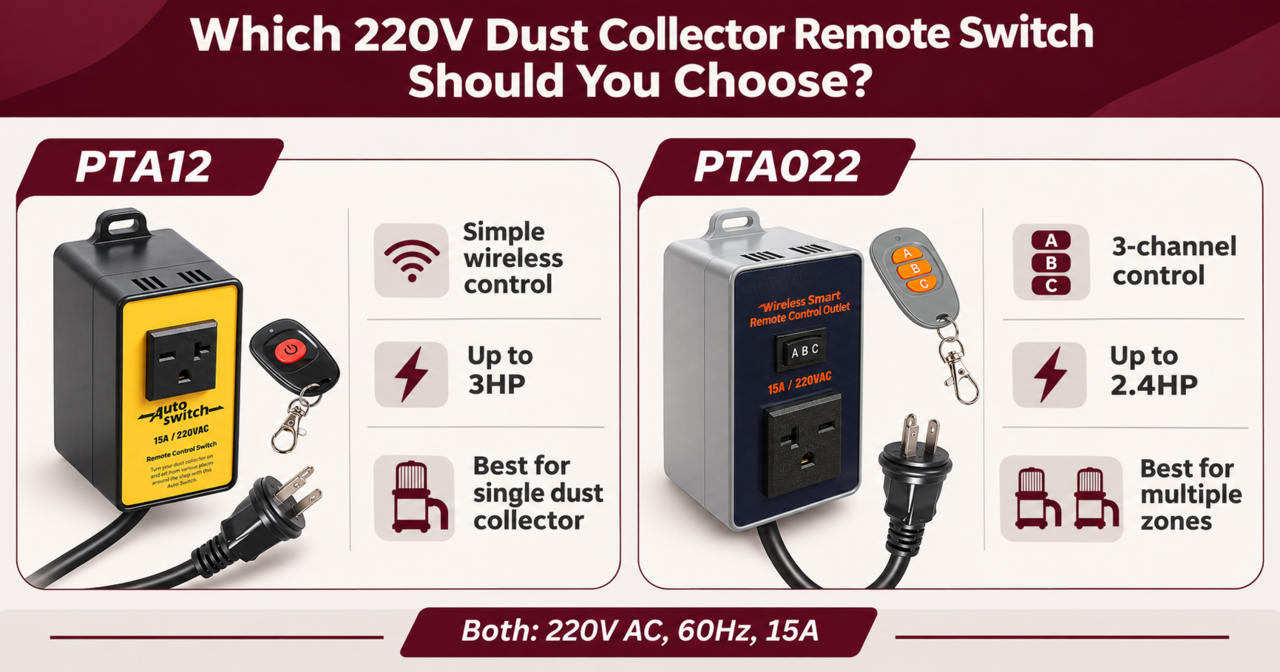
Which 220V Dust Collector Remote Switch Should You Choose?
Both O'SKOOL PTA12 and PTA022 offer wireless control, soft start, and delayed shutoff. The key differences are motor capacity and control flexibility, helping you choose the right switch for your workshop.
O'SKOOL PTA12 vs PTA022: Feature Comparison
|
|
|
|
|
|
|
|
|
|
|
|
|
|
|
|
|
|
|
|
|
|
|
|
|
|
|
|
|
|
|
|
|
|
|
|
|
|
|
|
|
|
|
|
Which One Should You Choose?
- O'SKOOL PTA12: Best for simple, reliable 220V dust collector control.
- O'SKOOL PTA022: Best for multi-channel control and expanding workshop setups.
Always check your equipment's electrical ratings and compatibility before purchasing.
Shop O'SKOOL 220V Remote Switches →
What Is a 220V Remote Control Switch and How Does It Work?
A 220V remote control switch lets you turn a compatible dust collector on or off without leaving your workstation. Simply press the handheld remote, and a receiver connected to the power supply controls the equipment.
Why Use a Remote Switch for Dust Collection?
- Save Time: Start or stop your dust collector without walking across the shop.
- Easy Access: Control equipment tucked away in corners or hard-to-reach areas.
- Flexible Workflow: Manage dust collection from your table saw, router table, or planer.
- Convenient Operation: Keep your attention on woodworking instead of managing equipment.
While a remote switch doesn't increase suction power, it makes dust collection easier to manage and helps keep your workshop running efficiently.
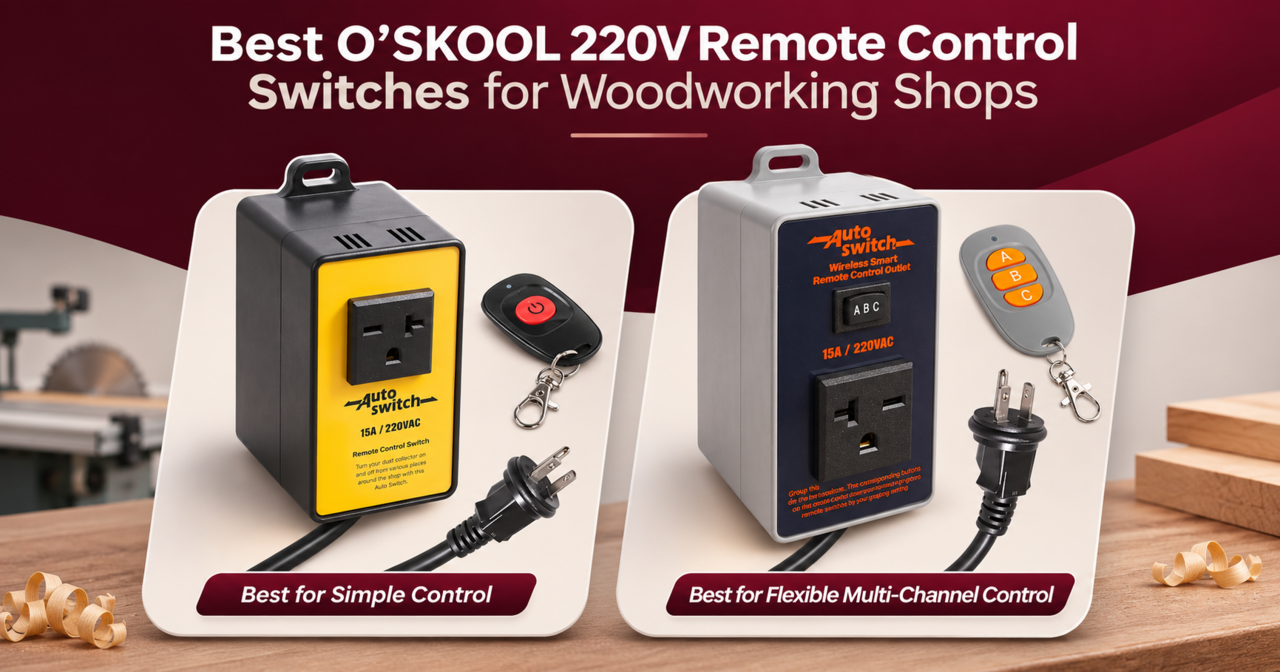
Best O'SKOOL 220V Remote Control Switches for Woodworking Shops
1. O'SKOOL PTA12: Best for Simple Dust Collector Control
The O'SKOOL PTA12 Wireless Remote Control Switch makes it easy to turn your compatible 220V dust collector on or off from anywhere within remote range, without interrupting your woodworking workflow.
Key Features
- Power Rating: 220V AC, 60Hz, 15A, up to 3HP
- Wireless Range: Up to 160 feet (50 meters) in open areas
- Soft Start: Gradual startup in approximately 3 seconds
- Delayed Shutoff: Runs for an additional 2–3 seconds
- Easy Control: Handheld remote with included battery
Why Choose PTA12?
Ideal for home workshops and DIY woodworkers using a single dust collector. Its simple wireless operation lets you manage dust collection from your router table, table saw, or planer without walking across the shop.
Upgrade Your Workshop with O'SKOOL PTA12 – Shop Now
2. O'SKOOL PTA022: Best for Multi-Channel Dust Collector Control
The O'SKOOL PTA022 3-Channel Wireless Remote Control Switch gives woodworkers greater flexibility to manage compatible 220V dust collectors across multiple work areas using one remote.
Key Features
- Power Rating: 220V AC, 60Hz, 15A, up to 2.4HP
- Wireless Range: Up to 160 feet (50 meters) in open areas
- 3-Channel Control: Independently select receiver groups A, B, or C
- Soft Start: Gradual motor startup
- Delayed Shutoff: Runs for an additional 2–3 seconds
- Easy Control: Handheld remote with included battery
Why Choose PTA022?
Ideal for larger workshops and woodworkers managing multiple dust collection zones. Its three-channel system lets you control separate groups of compatible receivers from one remote, making it easier to switch between work areas.
Each additional control location requires a compatible receiver, sold separately.
Take Control of Your Workshop with O'SKOOL PTA022 – Shop Now
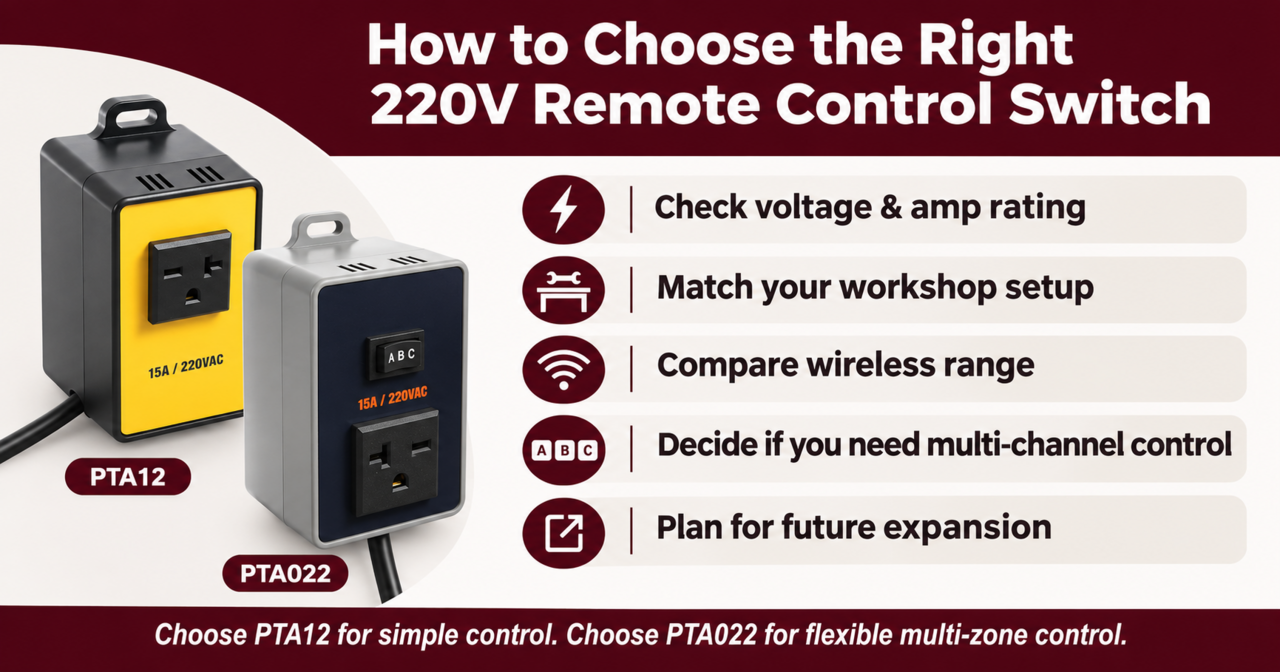
How to Choose the Right 220V Remote Control Switch
Choosing the right 220V remote control switch comes down to compatibility, convenience, and your workshop setup. Here are five things to check before buying.
1. Check Voltage and Motor Compatibility
Make sure the switch matches your dust collector's voltage, amperage, and motor requirements.
- PTA12: 220V AC, 60Hz, 15A, up to 3HP
- PTA022: 220V AC, 60Hz, 15A, up to 2.4HP
Tip: Check your equipment's nameplate, starting current, and plug type. For 230V or 240V machines, confirm manufacturer-approved compatibility.
2. Choose the Right Control Setup
- Single Dust Collector: PTA12 offers simple wireless on/off control.
- Multiple Control Zones: PTA022 provides three selectable channels for independently controlling compatible receiver groups.
If several machines share one dust collector, a single remote switch may be all you need.
3. Consider Wireless Range
Both models offer up to 160 feet (50 meters) of wireless range in open areas. Walls, metal equipment, and other obstacles may reduce performance.
Choose a switch that works reliably from your actual workstations.
4. Look for Soft Start and Delayed Shutoff
Both switches feature:
- Soft Start: Gradual motor startup in approximately 3 seconds.
- Delayed Shutoff: Keeps the collector running for an additional 2–3 seconds.
These features make everyday operation more convenient but don't replace proper motor protection or dust extraction.
5. Plan for Future Workshop Upgrades
If you're planning to add more dust collection zones, consider whether you'll need additional receivers or independent control channels.
Bottom Line: Choose PTA12 for straightforward dust collector control or PTA022 for greater flexibility as your workshop grows. Always verify electrical compatibility before purchasing.
Router Table Dust Collection: 7 Common Mistakes That Leave Dust Everywhere
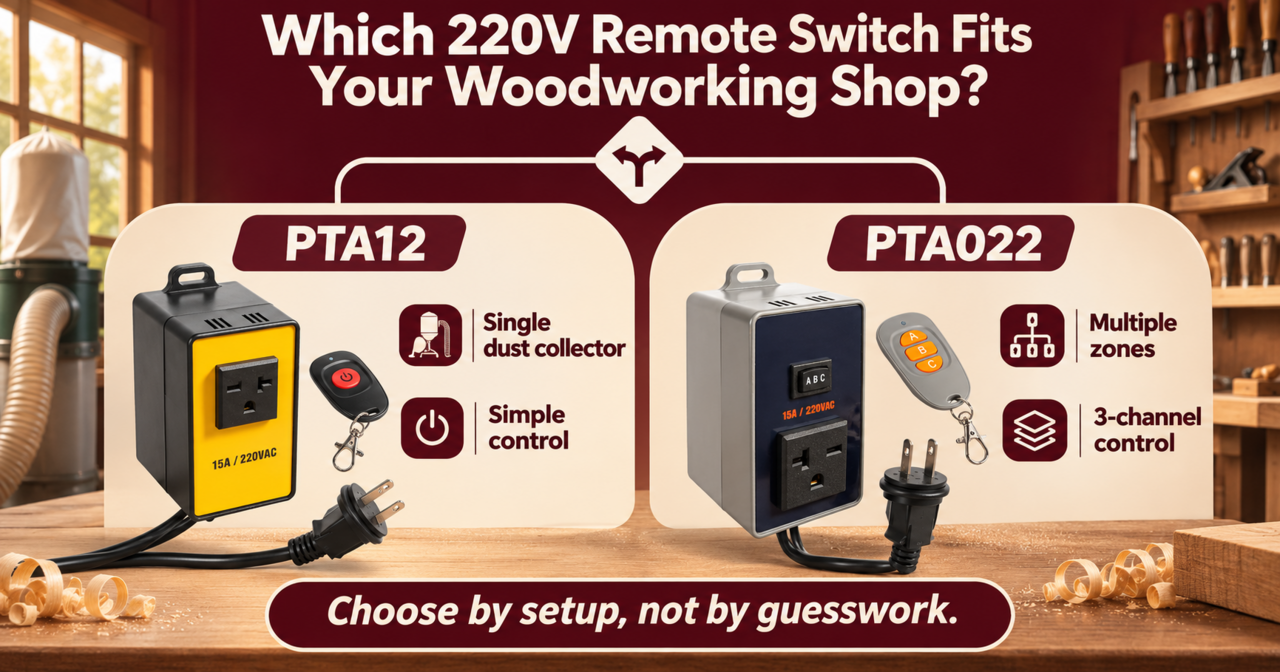
Which 220V Remote Switch Fits Your Woodworking Shop?
Your workshop setup determines which dust collector remote switch makes the most sense.
1. Home Workshop with One Dust Collector
Best Choice: O'SKOOL PTA12
If your table saw, router table, and planer share one dust collector, PTA12 offers simple wireless on/off control. Start or stop dust collection from your workstation without walking across the shop.
2. Larger Workshop with Multiple Dust Collection Zones
Best Choice: O'SKOOL PTA022
Running separate dust collection systems? PTA022 offers three selectable channels, allowing you to control different groups of compatible receivers with one remote.
Additional receivers are required for multiple control locations.
Quick Tip: Choose PTA12 for simple control or PTA022 for multiple independent control zones.
Shop O'SKOOL 220V Remote Switches →
How to Install a 220V Dust Collector Remote Switch
Setting up a compatible plug-in 220V wireless remote switch is straightforward when your equipment meets the manufacturer's requirements.
- Check Compatibility: Verify voltage, amperage, motor starting requirements, and plug type.
- Connect the Receiver: Turn off and unplug your dust collector, then connect it using the manufacturer's approved outlet configuration.
- Set Up the Remote: Use the standard remote with PTA12 or select the appropriate channel with PTA022.
- Test the System: Confirm proper startup, shutdown, and wireless range before woodworking.
Safety Tip: Never exceed the switch's electrical ratings or use it as an emergency stop. Disconnect power before maintenance, and consult a qualified electrician if wiring changes are needed.
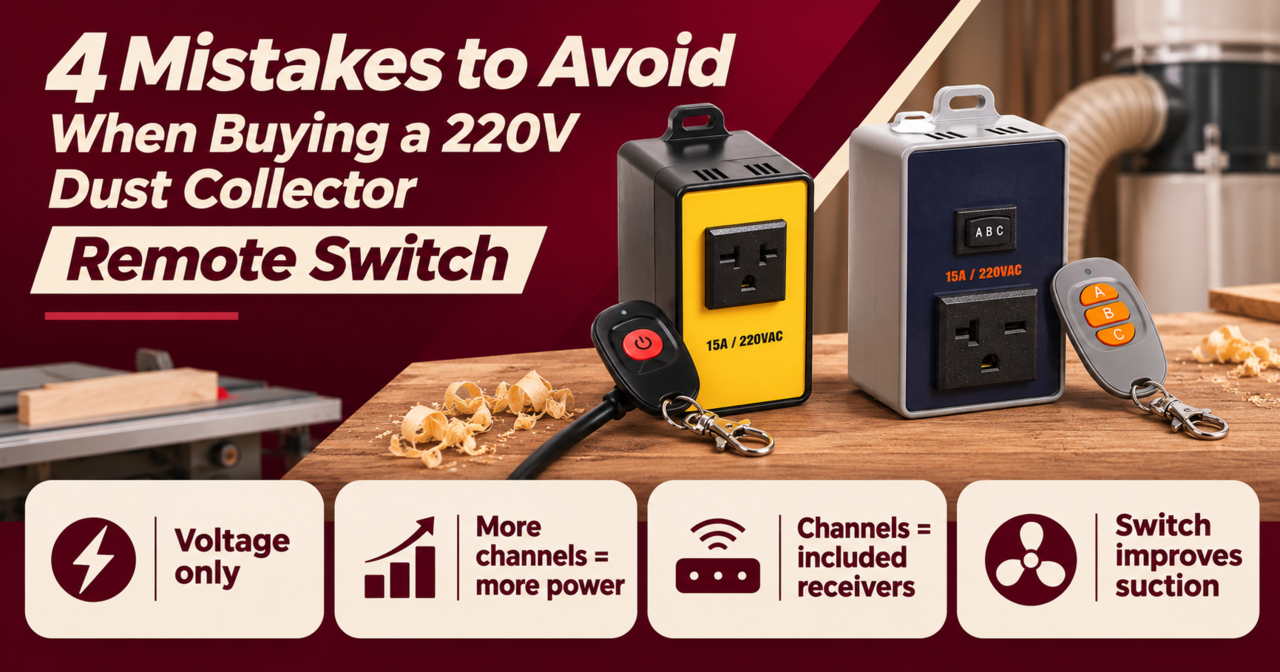
4 Mistakes to Avoid When Buying a 220V Dust Collector Remote Switch
Choosing the wrong dust collector remote switch can lead to compatibility issues, unnecessary costs, or safety risks. Here are four mistakes to avoid before buying.
1. Checking Voltage Only
A 220V rating doesn't guarantee compatibility. Always check your dust collector's amperage, motor starting requirements, and plug type.
2. Assuming More Channels Mean More Power
PTA022 offers three control channels, but that doesn't mean it handles more power. PTA12 supports a higher listed motor capacity, while PTA022 focuses on flexible control.
3. Expecting Three Receivers with PTA022
Three channels don't mean three receivers are included. You'll need additional compatible receivers to control separate workshop zones.
4. Expecting Better Dust Collection Performance
A wireless switch improves convenience, not suction power. Effective dust collection still depends on proper airflow, ductwork, and filter maintenance.
Before You Buy: Check your equipment's compatibility and choose the features your workshop actually needs.
Shop O'SKOOL 220V Remote Switches →
Final Thoughts: A Smarter Woodworking Setup
A 220V remote control switch makes dust collection easier, reduces interruptions, and keeps your woodworking workflow running smoothly.
Choose a switch that matches your equipment and workshop needs. With the right setup, you can spend less time managing tools and more time woodworking.
220V Remote Control Switch FAQs
Q1: What Is the Best 220V Remote Control Switch for a Dust Collector?
The O'SKOOL PTA12 is ideal for simple wireless dust collector control, while the PTA022 offers three selectable channels for multiple control zones. Choose based on your workshop needs and equipment compatibility.
Q2: What Is the Difference Between O'SKOOL PTA12 and PTA022?
PTA12 offers straightforward wireless on/off control with a listed motor capacity up to 3HP. PTA022 supports three control channels with a listed capacity up to 2.4HP. Both have a maximum operating current of 15A.
Q3: Can One Remote Control Multiple Dust Collectors?
Yes. With compatible receivers, one remote can control multiple dust collectors. PTA022 provides three selectable channels for independent receiver groups. Each dust collector requires its own compatible receiver.

